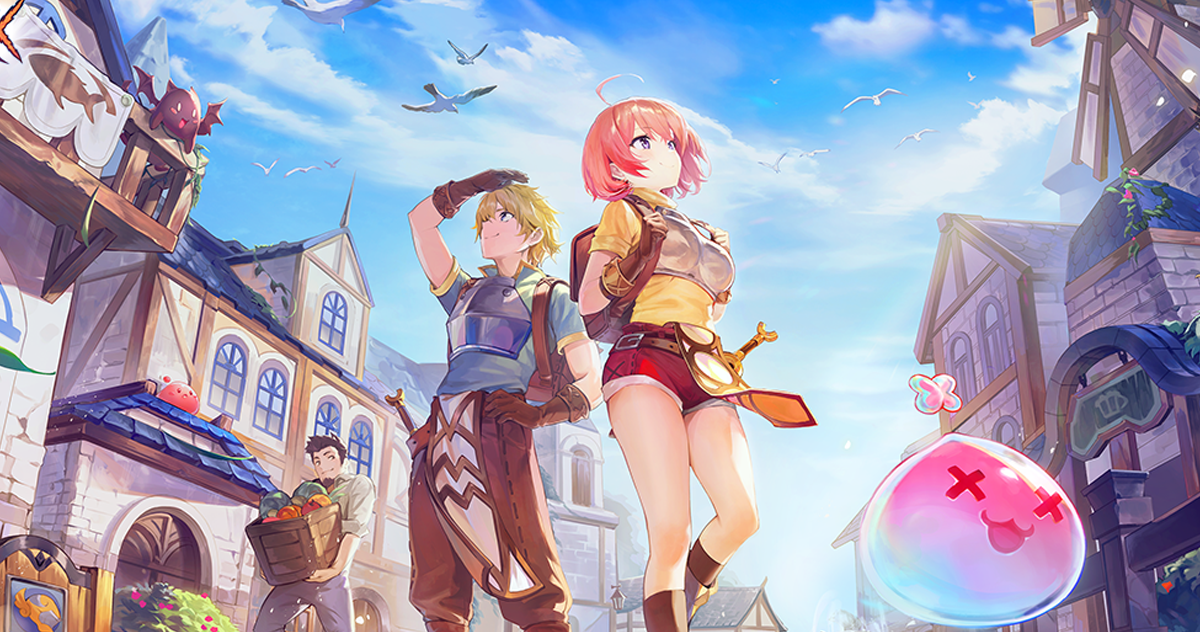
Quest Window
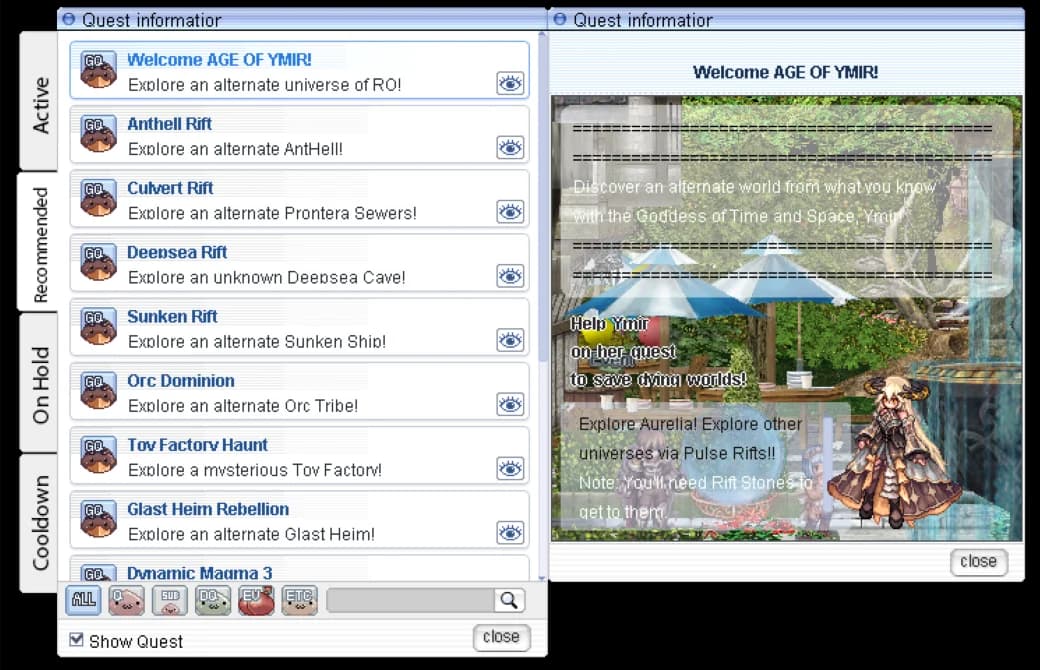
Press Alt+U to open your character's Quest Window. The screenshot below comes from Age of Ymir: the left pane lists quests and the right pane shows the selected quest's description. Pick a quest title to read its objective, then return to the relevant NPC when the objective is complete. The log is a guide, not a substitute for an NPC's dialogue or a full quest walkthrough.
Organize Your Quests
The client presents quest categories as side tabs. In the capture above, Active is the current list, Recommended suggests available content, On Hold stores quests hidden from your active view, and Cooldown distinguishes repeatable quests waiting to become available again. The installed client's tab artwork is shown below so you can recognize each one in game.
 ActiveTrack the quests you are working on.
 RecommendedBrowse suggestions suited to your character.
 On HoldKeep a quest without cluttering the active list.
 CooldownReview repeatable quests that are not ready yet.
Right-clicking a quest can move it to On Hold; right-click it again to restore it. This changes only how the quest appears in your window; it does not abandon the quest or reset its progress. Quest kill counters can also appear above your character when an objective updates. Some custom activities explain their progress through NPC dialogue or a separate interface, so check the relevant guide if the log alone is unclear.
Tip Box
Open the Tip Box with Alt+D, by typing /tip in chat, or from the Tip Box icon in the client menu. Search for a topic, browse its linked entries, and use it for controls and general Ragnarok systems. The Age of Ymir client includes a Quest topic with links to quest categories and lists organized by level and region. Its broad reference entries are not a live record of your character's objectives; Alt+U is the place to check those.
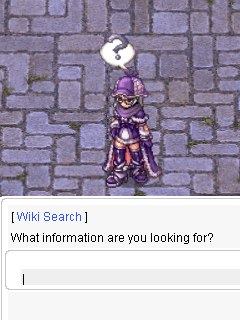 Original client Tip Box artwork
Find a tip in three steps
- Open the Tip Box with Alt+D or
/tip. - Search for a subject such as Quest, Navigation, or Command List.
- Follow an entry's internal links to related topics. For server-specific destinations and rewards, return to the Age of Ymir Quest Hub.
Choose Your First Adventure
New here? Start with the Novice Tutorial, then explore Aveline's Aurelia Tour. For repeatable leveling and equipment goals, visit the Eden Group. The Quest Hub brings the rest of Age of Ymir's custom routes together.
References: iRO Wiki Quest Window and the official Tip Box guide. Tip Box controls and topics were also checked against the installed Age of Ymir client'sSystemEN/tipbox.lub.