
 Weekly rewards
Approved creators receive the following package each week. Staff also manages a dedicated Discord role and permission to announce broadcasts.
| Reward | Amount | Duration |
|---|---|---|
 Gem Points | 1,000 | Credit |
| Event Ticket | 15 | Items |
| Bloody Branch | 2 | Items |
| Bubble Gum | 2 | Items |
| Infinite Flywing | 1 | 7 days |
| Boarding Halter (Reins of Mount) | 1 | 7 days |
 Platform costume set | 1 set | 7 days |


 Your platform, your look
Your approved platform determines the two-piece rental set. Twitch creators, for example, receive the Twitch cap and gear.
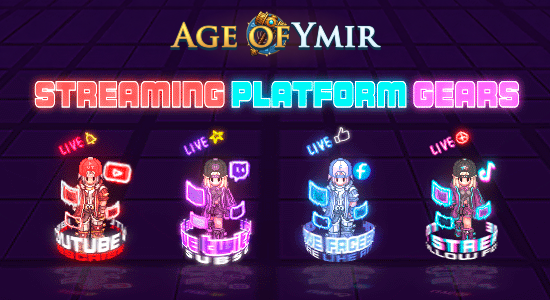
| Platform | Costume cap | Costume gear |
|---|---|---|
| YouTube | YouTube Streamer Cap | YouTube Streamer Gear |
| Twitch | Twitch Streamer Cap | Twitch Streamer Gear |
| Facebook Streamer Cap | Facebook Streamer Gear | |
| TikTok | TikTok Streamer Cap | TikTok Streamer Gear |
| DiscordAoY exclusive | Discord Streamer Cap | Discord Streamer Gear |


 Program requirements
Stream AoY
Create exclusively Age of Ymir content.
Keep a schedule
Broadcast on at least 3 different days weekly, for 2 hours per stream.
Be a good neighbour
Represent the community respectfully and follow the Server Rules.
Stay eligible
Staff reviews participation and may remove creators who no longer qualify.
 Join the program
Bring your channel to Ymir
- Introduce your channel. Open an AoY Discord ticket with your platform, channel URL and in-game character name. Tell staff which days you usually stream.
- Share the week’s broadcasts. Include VOD links, dates and durations so staff can review the qualifying sessions. Approval is recorded for the current UTC week.
- Collect in game. After approval, visit the Streamer Coordinator in Aurelia, 198,68 and choose Claim approved weekly rewards.
Apply through Discord ↗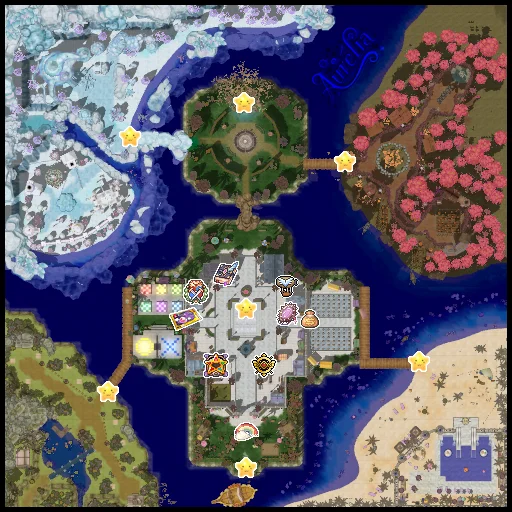 Aurelia198, 68Streamer Coordinator ↗
If collection cannot complete, check your approval, the account’s previous claim, inventory slots and weight. Changing character or platform does not create another weekly claim.
 The Age of Ymir streamer kit
A little of Ymir for your channel. Use the animated banner as a stream panel or overlay, or choose the still version for a quieter layout.
 Original night banner · GIF ↓
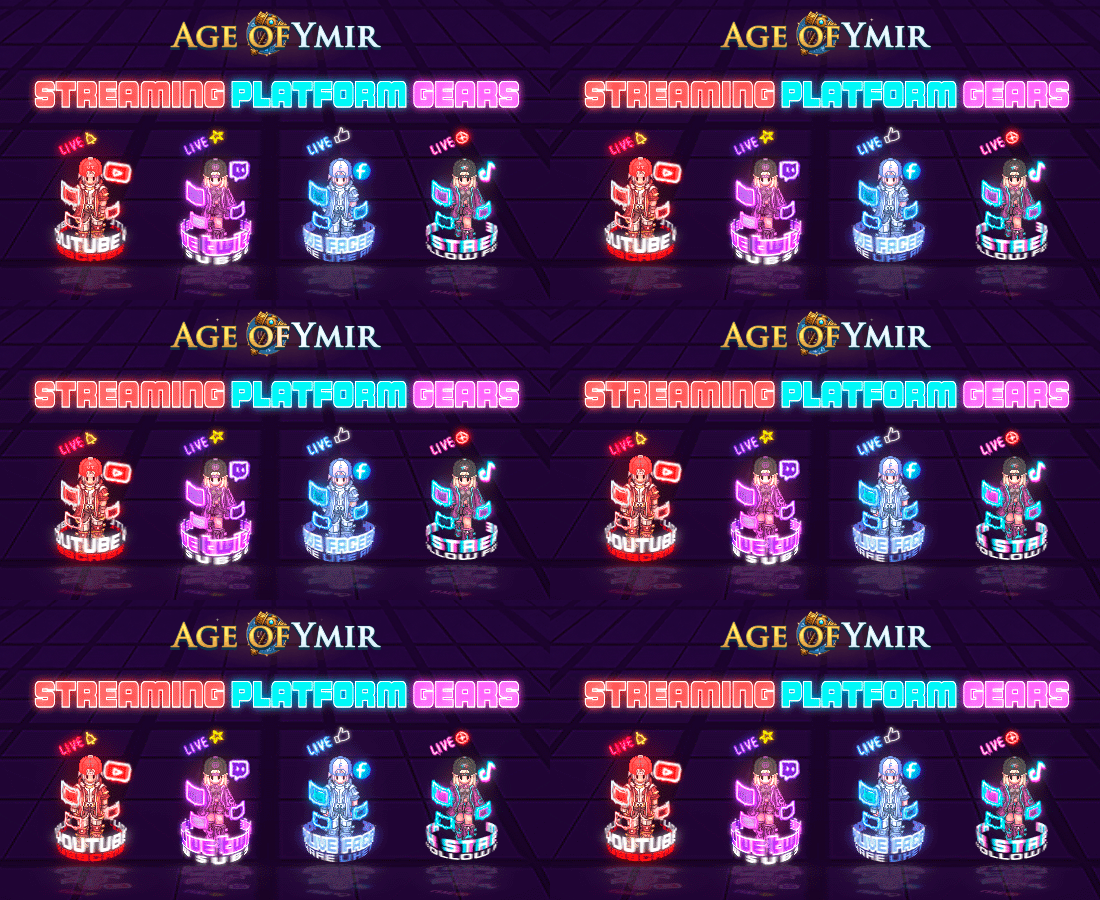 Costume showcase · GIF ↓
Ready for your next broadcast
In OBS, add an Image Source and select the GIF. Keep its original proportions when resizing. For a channel panel that does not animate, upload the PNG instead.
Link the panel to play-aoy.com so viewers can find the game. Place your channel name or schedule beside the banner, leaving the AoY artwork and lettering clear.