
 Vault Manager
 Nexus License in your inventory to unlock the core menu features and activate bonuses.
 Visit the Vault Manager
 Vault Manager
 Main Office (2nd Floor)main_office 112, 290, 2 Talk to the Vault Manager to browse collection progress, inspect bonuses, open captor storage, preview cut-ins, and or start the Nexus License quest. |
 How It Works
Nexus Vault groups deposited items into storage buckets, then breaks Nexus Vault progress into city-based collections. As you deposit supported entries, the system updates your collection screens, cut-in previews, and active bonuses.
- Keep the Nexus License in your inventory to use the four core features: View Collection Progress, Check Bonus Effects, Manage Collections, and Captor Statistics.
- Select the Nexus Vault storage to review supported collections, preview cut-ins, and track your stored cards.
- Choose a collection to inspect progress, preview themed cut-ins, and filter Complete Overview, Collected, or Missing entries.
- Open character-bound storage to deposit or withdraw items. Depositing updates progress; withdrawing can lower progress and remove bonuses.
- Review active effects from the bonus viewer or the
@collectionscommand to confirm what your current vault is granting.
 Important Notes:
- Permit Check: The system looks for item
33907in your inventory. It is not treated here as an equipped-only requirement. - Weight Safety: Manage Collections is blocked at 80% weight or higher to prevent transfer issues.
- Character Storage: The vault opens in character-bound mode, so collection storage is tracked per character.
- Client Patch: Progress screens and collection cut-ins depend on your client files being up to date.

| Menu Option | What it does | Permit Needed? |
|---|---|---|
| View Collection Progress | Browse enabled storages, drill into collection groups, and inspect Complete, Collected, or Missing entries. | Yes |
| Check Bonus Effects | Displays your current active vault bonuses. | Yes |
| Manage Collections | Shows a preview, checks weight, then opens the selected captor storage. | Yes |
| Captor Statistics | Shows overall progress, collection totals, completion rate, and a breakdown by enabled storage. | Yes |
| Open Documentation | Opens the Nexus Vault wiki page. | No |
| Browse Quests | Currently routes to the Nexus Vault Permit quest. | No |
| Help & Information | Shows the NPC's built-in feature summary and reminders. | No |
| Preview All Card Cutins | Cycles through every available Nexus Vault progress cut-in. | No |
 Nexus Vault Collections
The current Nexus Vault setup supports 90 cards across 10 collection groups. Every supported card is shown below.
| Collection | Supported Cards |
|---|---|
 Prontera Prontera | 10 |
 Morocc Sphinx Morocc Sphinx | 10 |
 Geffen Geffen | 10 |
 Payon Payon | 10 |
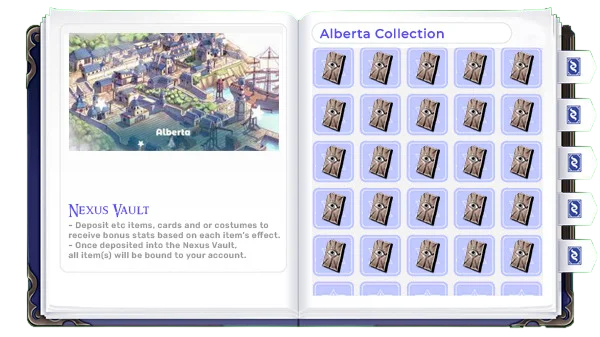
 Alberta Alberta | 10 |
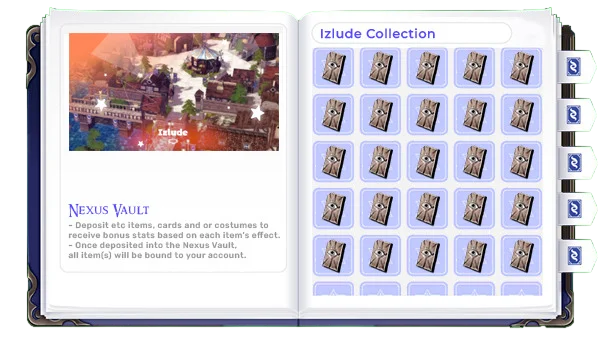
 Izlude Izlude | 10 |
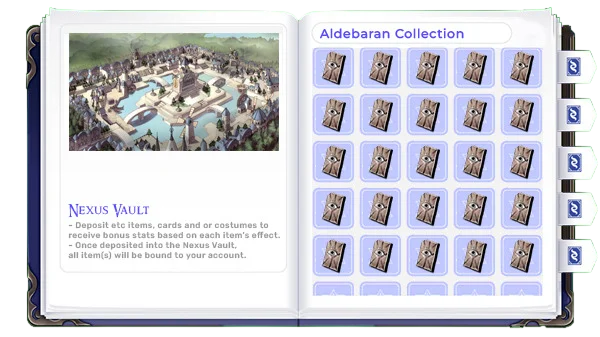
 Aldebaran Aldebaran | 10 |
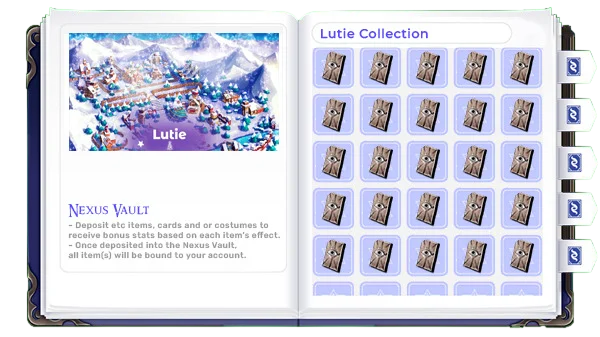
 Lutie Lutie | 5 |
 Comodo Comodo | 10 |
 Yuno Yuno | 5 |
Prontera
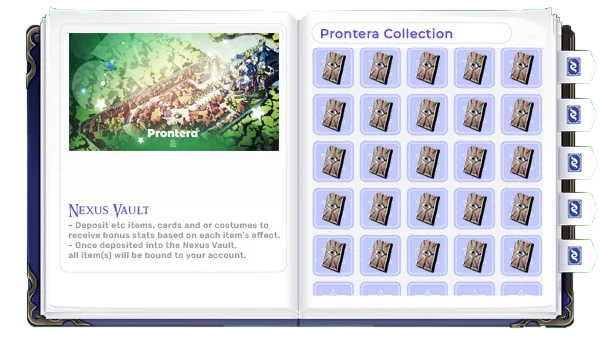
| Card ID | Card Name | Qty | Vault Bonus |
|---|---|---|---|
 4012 4012 | Thief Bug Egg Card | 1 | Max HP +24 |
 4016 4016 | Thief Bug Card | 1 | Hit +10 |
 4026 4026 | Female Thief Bug Card | 1 | Hit +5 |
 4050 4050 | Male Thief Bug Card | 1 | Max HP +10 |
 4001 4001 | Poring Card | 1 | Flee +2 |
 4006 4006 | Lunatic Card | 1 | ATK +3 |
 4021 4021 | Rocker Card | 1 | ATK +4 |
 4028 4028 | Tarou Card | 1 | Max HP +18 |
 4022 4022 | Spore Card | 1 | Max HP +20 |
 4051 4051 | Yoyo Card | 1 | ATK +6 |
Morocc Sphinx
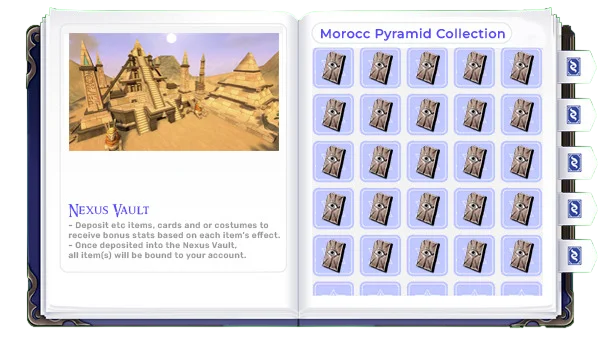
| Card ID | Card Name | Qty | Vault Bonus |
|---|---|---|---|
 4097 4097 | Matyr Card | 1 | Max HP +48 |
 4064 4064 | Zerom Card | 1 | Max HP +28 |
 4112 4112 | Marduk Card | 1 | Max HP +10 |
 4126 4126 | Minorous Card | 1 | Physical Damage against Large size +5% |
 4009 4009 | Chonchon Card | 1 | Max HP +10 |
 4043 4043 | Andre Card | 1 | ATK +4 |
 4036 4036 | Muka Card | 1 | Max HP +28 |
 4106 4106 | Mummy Card | 1 | Hit +5 |
 4116 4116 | Isis Card | 1 | Max SP +20 |
 4087 4087 | Giearth Card | 1 | Max HP +20 |
Geffen
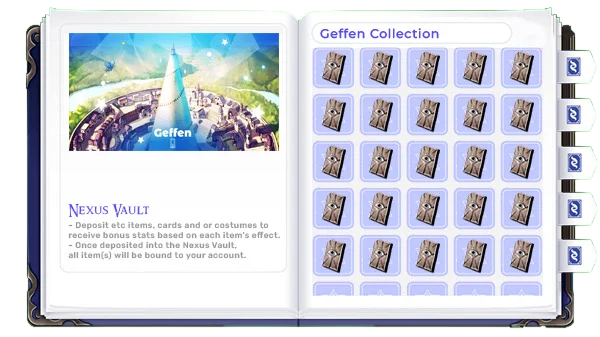
| Card ID | Card Name | Qty | Vault Bonus |
|---|---|---|---|
 4115 4115 | Hunter Fly Card | 1 | Drain HP +50% (Rate 1%) |
 4048 4048 | Poison Spore Card | 1 | ATK +3 |
 4127 4127 | Nightmare Card | 1 | Max HP +18 |
 4109 4109 | Jakk Card | 1 | Max HP +84 |
 4002 4002 | Fabre Card | 1 | Max HP +36 |
 4014 4014 | Roda Frog Card | 1 | SP Regen +1 per 1000 ms |
 4060 4060 | Goblin Card | 1 | Physical Damage against Brute +2% |
 4066 4066 | Orc Warrior Card | 1 | Brute resistance +2% |
 4071 4071 | Orc Zombie Card | 1 | Physical Damage against Undead +2% |
 4085 4085 | Orc Skeleton Card | 1 | Physical Damage against Holy +5% |
Payon
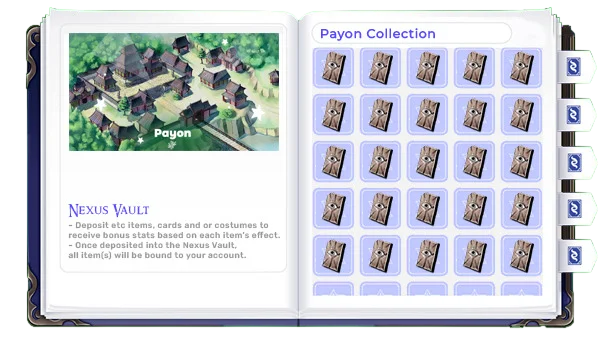
| Card ID | Card Name | Qty | Vault Bonus |
|---|---|---|---|
 4038 4038 | Zombie Card | 1 | Max HP +24 |
 4025 4025 | Skeleton Card | 1 | Hard DEF +1 |
 4094 4094 | Archer Skeleton Card | 1 | Long Attack +5% |
 4086 4086 | Soldier Skeleton Card | 1 | Critical Damage +1% |
 4020 4020 | Familiar Card | 1 | ATK +3 |
 4010 4010 | Willow Card | 1 | Max HP +10 |
 4074 4074 | Bigfoot Card | 1 | Physical Damage against Insect +8% |
 4103 4103 | Horong Card | 1 | Max HP +10 |
 4090 4090 | Munak Card | 1 | MATK +6 |
 4212 4212 | Bongun Card | 1 | Hard MDEF +2 |
Alberta
| Card ID | Card Name | Qty | Vault Bonus |
|---|---|---|---|
 4034 4034 | Wormtail Card | 1 | Hit +5 |
 4227 4227 | Spring Rabbit Card | 1 | Max HP +25 |
 4311 4311 | Permeter Card | 1 | Dark resistance +5% |
 4220 4220 | Solider Card | 1 | MATK +2 |
 4210 4210 | Wanderer Card | 1 | ATK +6 |
 4102 4102 | Whisper Card | 1 | Ghost resistance -25% |
 4073 4073 | Pirate Skeleton Card | 1 | MATK +5 |
 4178 4178 | Dragon Tail Card | 1 | Flee +5 |
 4315 4315 | Pest Card | 1 | Max HP +25 |
 4319 4319 | Freezer Card | 1 | Max HP +50 |
Izlude
| Card ID | Card Name | Qty | Vault Bonus |
|---|---|---|---|
 4049 4049 | Vadon Card | 1 | Physical Damage against Fire +2% |
 4035 4035 | Hydra Card | 1 | Physical Damage against Demi-Human +2% |
 4027 4027 | Kukre Card | 1 | Max HP +28 |
 4055 4055 | Marina Card | 1 | Hard MDEF +1 |
 4093 4093 | Obeaune Card | 1 | Max HP +72 |
 4105 4105 | Marc Card | 1 | Water resistance +8% |
 4058 4058 | Thara Frog Card | 1 | Demi-Human resistance +1% |
 4077 4077 | Phen Card | 1 | Max HP +70 |
 4089 4089 | Swordfish Card | 1 | Hard DEF +1 |
 4199 4199 | Merman Card | 1 | HP Recovery +5% |
Aldebaran
| Card ID | Card Name | Qty | Vault Bonus |
|---|---|---|---|
 4119 4119 | Bathory Card | 1 | Max HP +28 |
 4185 4185 | Rideword Card | 1 | MATK +2 |
 4313 4313 | Punk Card | 1 | Max SP +20 |
 4229 4229 | Tower Keeper Card | 1 | ATK +12 |
 4080 4080 | Flora Card | 1 | Physical Damage against Fish +2% |
 4069 4069 | Drainliar Card | 1 | Physical Damage against Water +5% |
 4322 4322 | High Orc Card | 1 | Physical Damage against Brute +2% |
 4256 4256 | Orc Archer Card | 1 | SP Regen +2 per 1000 ms |
 4118 4118 | Ground Petite Card | 1 | Physical Damage against Dragon +2% |
 4296 4296 | Cramp Card | 1 | Max HP +18 |
Lutie
| Card ID | Card Name | Qty | Vault Bonus |
|---|---|---|---|
 4196 4196 | Marin Card | 1 | Hard MDEF +1 |
 4235 4235 | Christmas Cookie Card | 1 | Hard DEF +1 |
 4206 4206 | Myst Case Card | 1 | Max HP +40 |
 4293 4293 | Cookie Card | 1 | Hard DEF +1 |
 4323 4323 | Hatii Bebe Card | 1 | Water resistance +5% |
Comodo
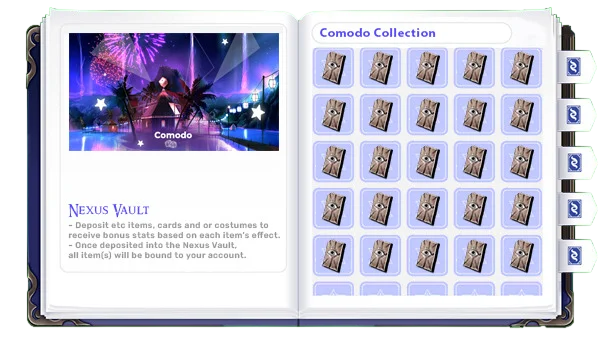
| Card ID | Card Name | Qty | Vault Bonus |
|---|---|---|---|
 4124 4124 | Medusa Card | 1 | Demon resistance +5% |
 4200 4200 | Megalith Card | 1 | Hard MDEF +1 |
 4223 4223 | Stalactic Golem Card | 1 | Stun resistance +500% |
 4067 4067 | Megalodon Card | 1 | Freeze resistance +500% |
 4078 4078 | Savage Card | 1 | VIT +1 |
 4149 4149 | Gargoyle Card | 1 | Max HP +18 |
 4234 4234 | Anolian Card | 1 | Max HP +18 |
 4292 4292 | Kobold Archer Card | 1 | Hit +10 |
 4157 4157 | Goblin Archer Card | 1 | Critical against Undead +5 |
 4156 4156 | Goblin Steamrider Card | 1 | Critical against Formless +5 |
Yuno
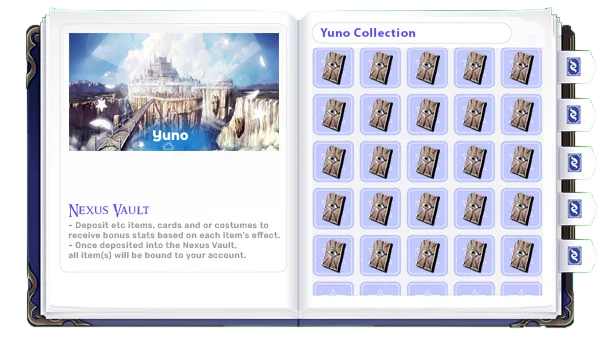
| Card ID | Card Name | Qty | Vault Bonus |
|---|---|---|---|
 4045 4045 | Horn Card | 1 | Reduce Ranged Damage +5% |
 4083 4083 | Rafflesia Card | 1 | Fish resistance +5% |
 4307 4307 | Beetle King Card | 1 | Fish resistance +5% |
 4056 4056 | Dustiness Card | 1 | Max HP +28 |
 4257 4257 | Wild Rose Card | 1 | MATK +3 |
 Access & Permit
You can either buy it from the
Gem Shop or issue it through the license quest at the Vault Manager.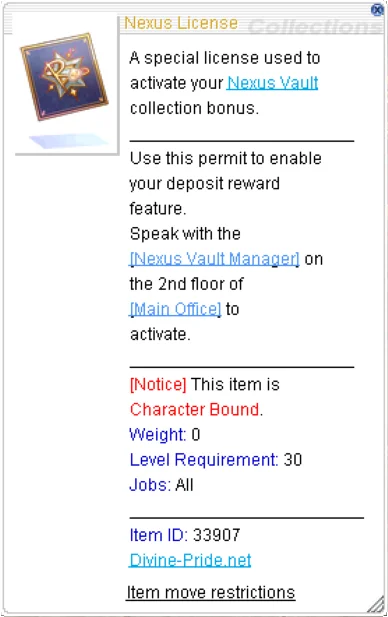
 Gem Shop
 Permit Quest Requirements
| Requirement | Details | Qty |
|---|---|---|
| Zeny | Issue Permit cost | 2,500,000 |
| 4235 | Christmas Cookie Card | 1 |
 4251 4251 | Elder Card | 1 |
| 4199 | Merman Card | 1 |
 4267 4267 | Explosion Card | 1 |
 4204 4204 | Mini Demon Card | 1 |
 4275 4275 | Zombie Prisoner Card | 1 |
 4350 4350 | Laurell Weinder Card | 1 |
 4351 4351 | Kavach Icarus Card | 1 |
 4349 4349 | Errende Ebecee Card | 1 |
 4347 4347 | Armeyer Dinze Card | 1 |
 4348 4348 | Wickebine Tres Card | 1 |
 4346 4346 | Egnigem Cenia Card | 1 |
 Bonuses & Commands
Your active bonuses are based on what is currently stored in the vault. The login notice and the @collections command both surface this data, while the Bonus Effects menu inside the NPC provides the cleanest in-NPC viewer.
- Login Notice: If the permit license is missing from inventory, on login the system warns you that bonuses will not activate.
- Active Bonus Viewer: The NPC pages through active bonuses and formats them into readable bonus text.
@collections: Mirrors the status header, active bonuses, and collection cut-in previews with a 30 second cooldown.- Withdrawals Matter: Pulling items back out of storage can lower progress and remove bonus effects immediately.
 Usage Tips
- Start with Nexus Vault: Nexus Vault is the default active collection path if nothing else has been configured.
- Watch your weight: Clear inventory space before using service or the NPC will block the storage step at 80% weight.
- Patch your client: Missing cut-ins usually point to missing texture resources rather than broken collection data.
- Use the command often:
@collectionsis the quickest way to review active bonuses without returning to Main Office. - Keep it simple: Focus on Nexus Vault progress, since that is the collection flow documented on this page.

Pro Tip: Treat vault deposits as active progression, not permanent storage. Keep your Nexus License on the correct character, stay under 80% weight before managing collections, and remember that withdrawing cards can immediately reduce your progress and disable the bonuses tied to them.